
What it does
Utilities is the super-admin-only control panel. It has eight sections in a left-side nav:
- User Management — invite, deactivate, and assign roles.
- Security & Sessions — view recent logins and revoke active sessions.
- App Modules — enable/disable feature modules for the tenant.
- Branding — upload school logo, set colours, manage visual identity.
- Maintenance Tools — run the Setup Wizard, clear caches, perform data utilities.
- Academic Calendar — view and manage academic years and term dates.
- Plan & Billing — subscription tier and usage (coming soon).
- Audit Log — full activity trail of logins, sign-outs, and user activity.
Who uses it
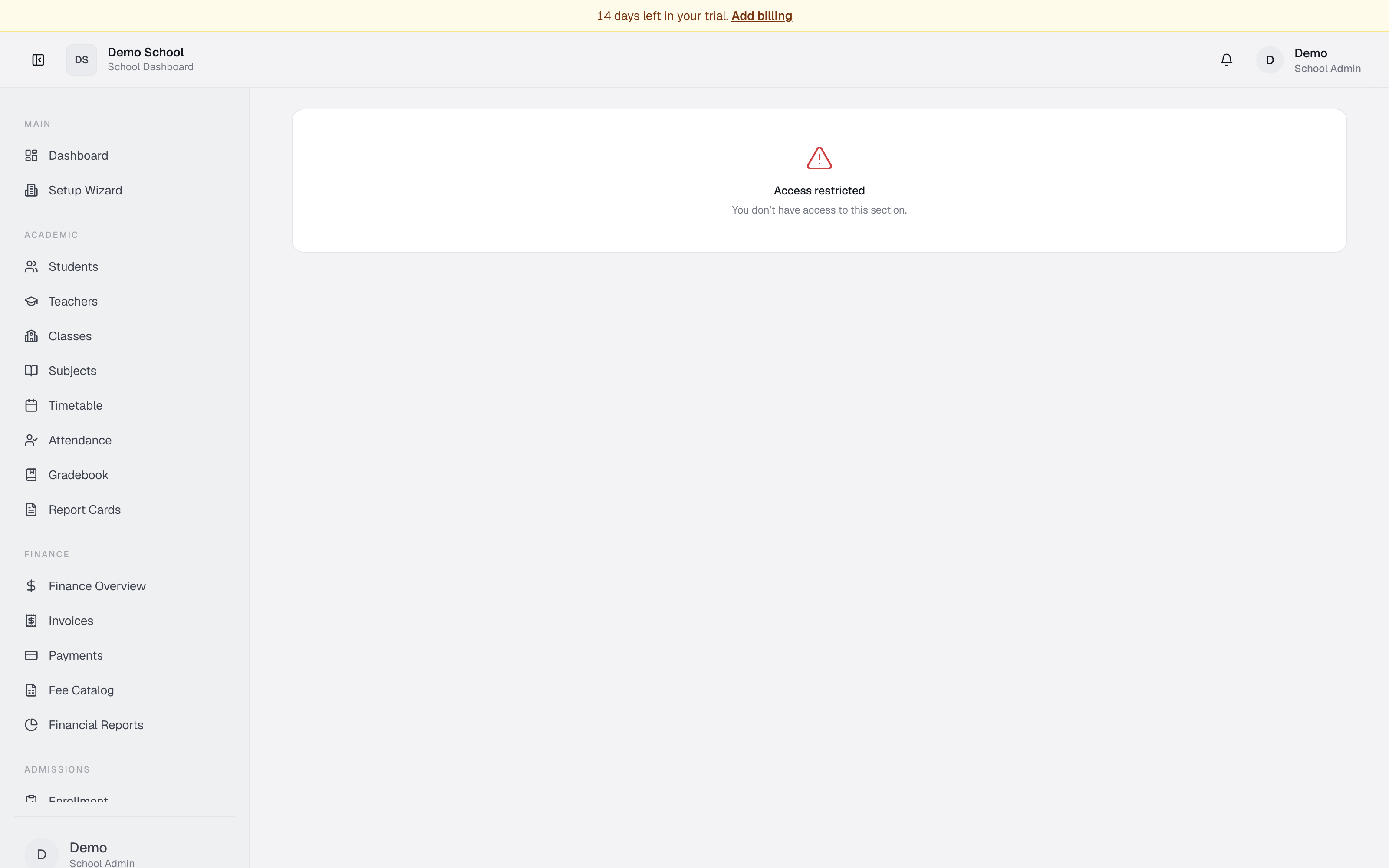
Super Admin only. Other roles see "Access restricted."
Common tasks
Invite a staff member
Go to User Management → Invite user. Enter email and role (teacher, bursar, registrar, etc.). They receive an email invite.
Deactivate a staff account
In User Management, find the user, click Deactivate (or Delete if new). Deactivated users can't sign in but their data is preserved.
Enable a module
Click App Modules and toggle the module on (e.g. Transport, Canteen). It appears in the sidebar for authorised roles.
Update school branding
Go to Branding, upload a logo, set the school name, pick colours. Changes apply immediately.
View login activity
In Security & Sessions, see live recent sign-ins with timestamps and IPs. Click Refresh to reload.
Review academic calendar
Click Academic Calendar to see configured terms, dates, and progress (e.g. "45% elapsed").
Export the audit log
In Audit Log, choose date range and role filter, click Export CSV.
Clear application cache
In Maintenance Tools, click Clear app cache to reset system caches (useful after bulk imports).
Troubleshooting
- Can't see Utilities in the sidebar — only super_admin can access. Check your role.
- Invite email not sent — verify the address; retry. May be silenced in dev environments.
- Module toggle greyed out — some modules are locked by default (assessments, MOEY exports, etc.). Contact support.
- Login event missing — use search/filter; older events may be past retention.
Limits & known issues
- Plan & Billing is "Coming soon."
- Session revocation may take up to a minute to take effect.
- Maintenance operations may require downtime — schedule during off-hours.